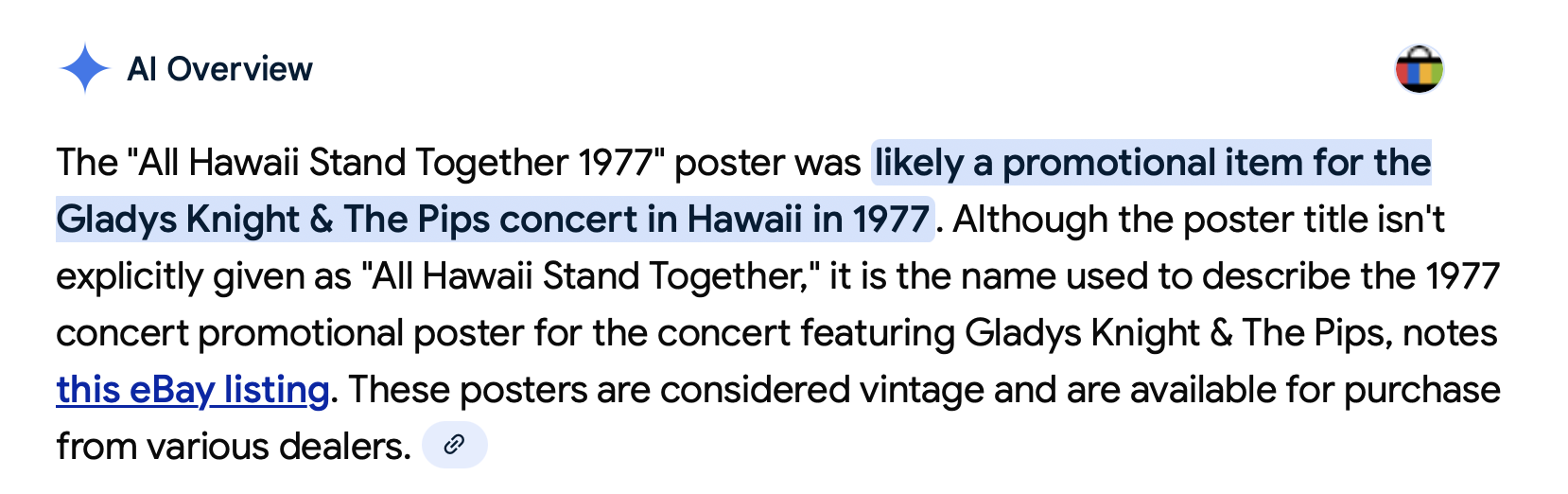
Gemini, Google’s AI assistant, provided another direct example of an answer to a question that was flat-out wrong.
It came on Sunday, while I was writing a post about a confidentiality rule adopted by the Maui County Board of Ethics, which is similar to two state laws that were found to be unconstitutional more than 30 years ago.
I was the plaintiff in a lawsuit that successfully challenged a provision of the state’s campaign spending law in 1991-1992. The decision by Judge Alan Kay of the Federal District Court for the District of Hawaii cited an earlier Hawaii case, John Roe v. Akamine, et al. (Civil No. 91-00252 DAE).
This lawsuit challenged a law prohibiting anyone from disclosing any information about a complaint about a public employee or official with the State Ethics Commission, including the person who filed the complaint.
The challenge to this provision of the state ethics law was quickly successful. The state agreed the law was unconstitutional, and it was struck down by Judge David Ezra.
But I was unable to find much more information about the Akamine case. Documents from the case are not available via the federal courts’ PACER document system, and routine searches didn’t turn up anything more.
So I asked Gemini for any information it could find on the Akamine case. To aid in its search, I pointed to the citation in the court decision.
Its answer went wildly awry.
It was apparently a situation, as described by others, in which the inability to find relevant information prompted Gemini to wrongly “make up” an answer meant to satisfy my original inquiry.
Here, Gemini began with an clearly erroneous premise–that Roe v. Akamine was a challenge to the campaign spending law, and it went downhill from there.
Another Gemini hallucination
A 1991 federal lawsuit in Hawaii, identified as John Roe v. Akamine, et al., Civil No. 91-00252 DAE, took aim at the confidentiality clause within the state’s campaign finance laws. While details of the case remain largely in legal archives, it played a pivotal role as a precursor to a subsequent, more widely publicized case that successfully overturned the secrecy provision on First Amendment grounds.
The “John Roe” lawsuit, filed in the U.S. District Court for the District of Hawaii, challenged the constitutionality of Hawaii Revised Statutes (HRS) § 11-216(d). This statute mandated that all proceedings related to a complaint filed with the Campaign Spending Commission—including the complaint itself, investigations, and hearings—remain confidential until a finding of probable cause.
Presiding over the case was U.S. District Judge David Alan Ezra. His order in the John Roe matter became a significant precedent cited in the 1993 case Lind v. Grimmer. In that later case, journalist Ian Lind successfully argued that the confidentiality provision was an unconstitutional prior restraint on free speech. The court in Lind v. Grimmer referenced Judge Ezra’s prior order in John Roe v. Akamine to support its decision to strike down the statute.
The use of the pseudonym “John Roe” suggests the plaintiff wished to remain anonymous, a common practice in cases where individuals fear reprisal for challenging a government entity or law. The defendants, “Akamine, et al.,” were likely officials associated with the Hawaii Campaign Spending Commission or another state agency responsible for enforcing the campaign finance laws at the time. Despite searches for individuals with the surname Akamine in relevant government positions in 1991, a definitive identification of the named defendant has not been publicly established.
While the full complaint, court filings, and the complete text of Judge Ezra’s order in John Roe v. Akamine are not readily available in public online legal databases, its legal significance is clear. The case was an early and influential challenge to the secrecy surrounding campaign finance complaints in Hawaii, setting the stage for the eventual invalidation of the confidentiality law and greater transparency in the state’s election oversight.
Also see:
“I Asked Google’s AI Who It Was. It Lied,” iLind.net, July 4, 2025

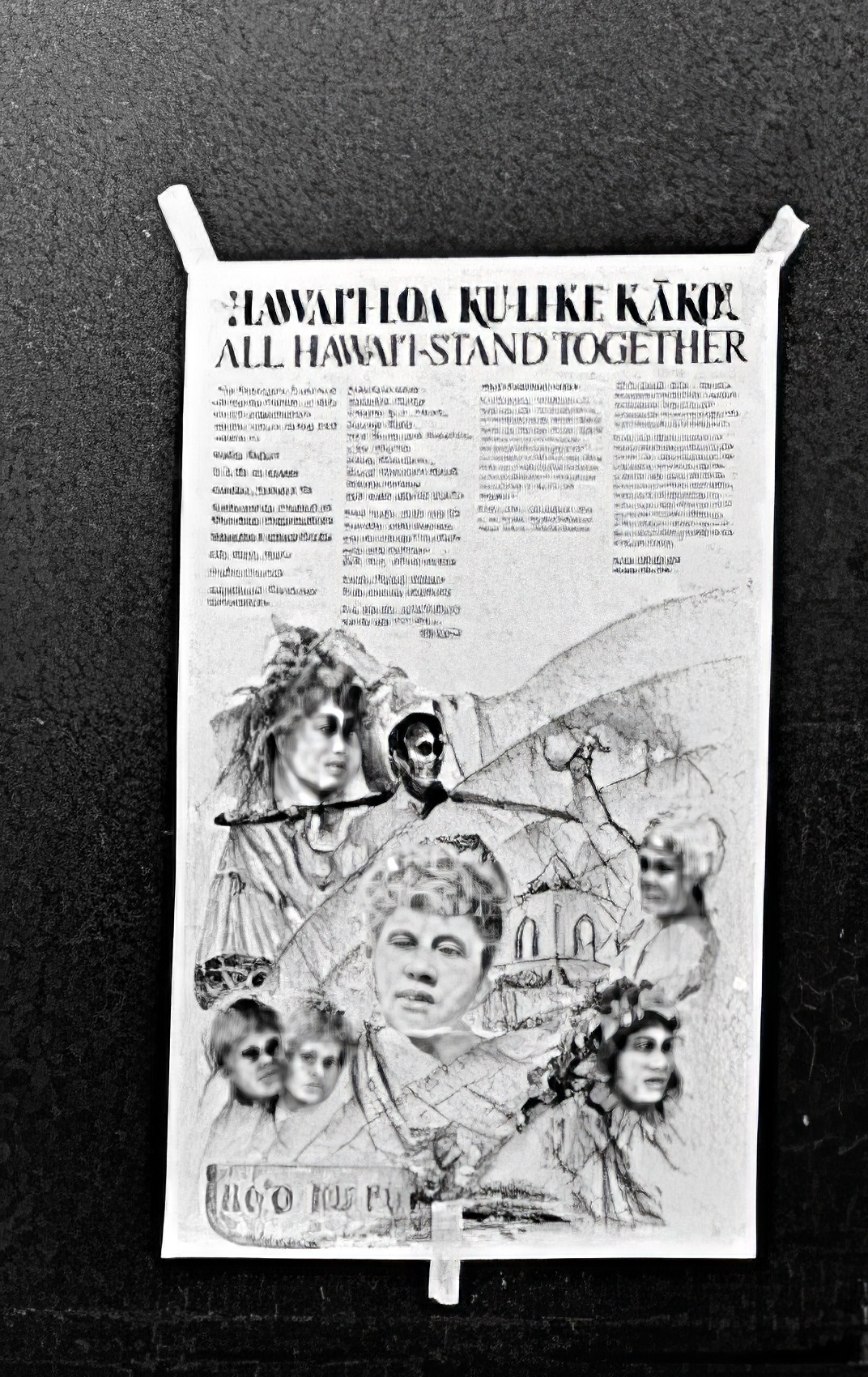 Looking through some of my old photos, I found this photo of the poster used to advertise the first “Sovereignty Sunday” event held on January 16, 1977.